
How to Add a Payment Gateway to a WordPress Website (Step-by-Step Guide)
If you run a WordPress website and want to accept online payments—whether for products, services, bookings, or consultations—adding a online payment system is essential.
The good news? You don’t need to be a developer to get started.
The challenge? Choosing the right method and setting it up correctly without breaking your checkout or losing customer trust.
This guide explains how to add a payment gateway to a WordPress website, the available methods, prerequisites, and when it’s smarter to involve a professional.
What Is a Payment Gateway and Why Your WordPress Site Needs One
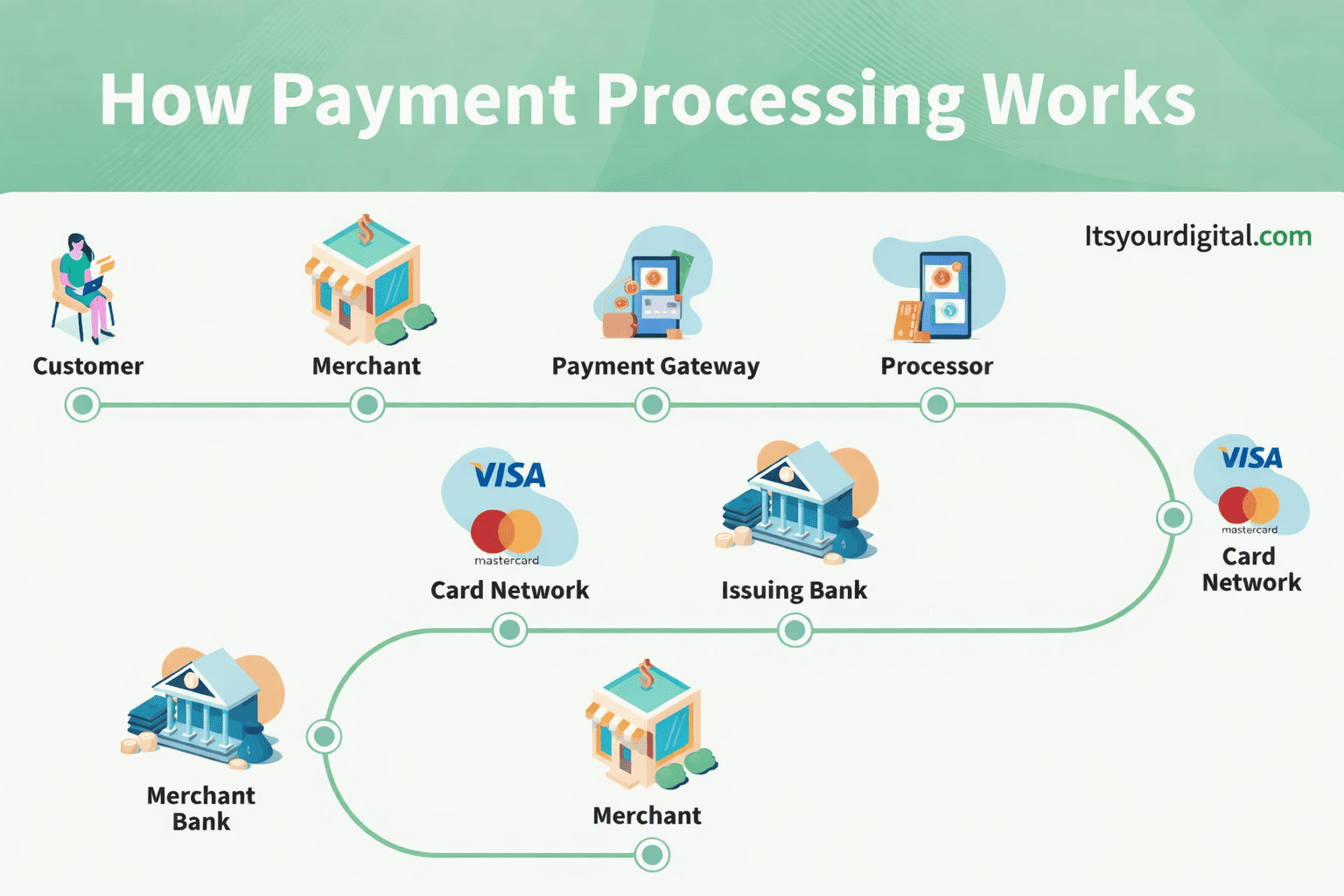
A payment gateway is a secure system that allows your website to accept and process online payments such as:
- UPI
- Credit & debit cards
- Net banking
- Wallets
- International payments (optional)
For WordPress websites, a online payment system:
- Encrypts customer payment data
- Connects your site with banks/payment providers
- Confirms transactions in real time
Without a proper online payment system, your site cannot safely collect payments—manual transfers reduce trust and conversions.
Different Ways to Accept Payments on WordPress
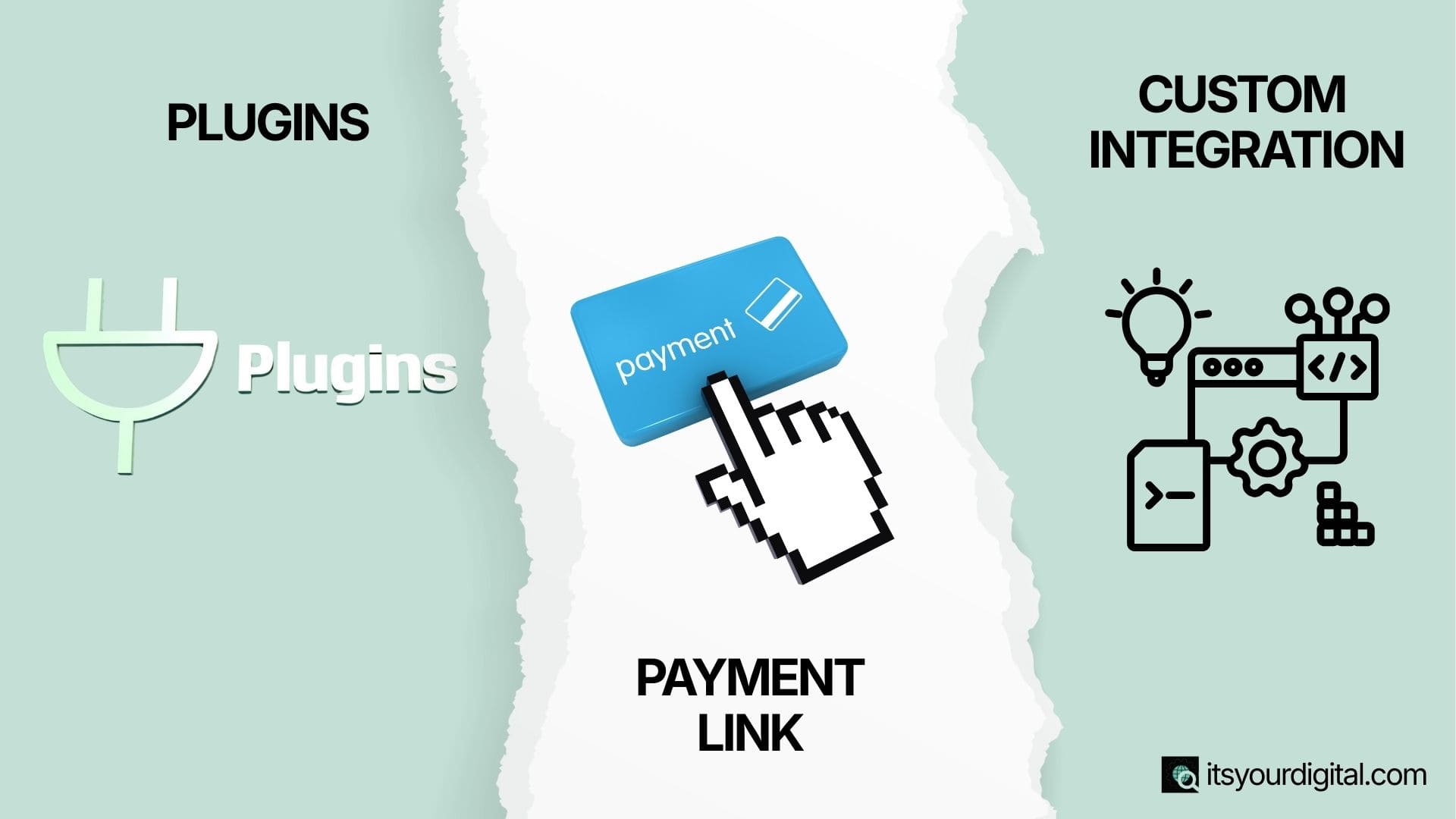
WordPress offers multiple ways to accept payments. The right method depends on your business type and complexity
1. Plugins (Most Common & Beginner-Friendly)
Payment solution plugins are the easiest and most popular way to accept online payments on a WordPress website. These plugins handle the entire payment process—right from checkout to transaction confirmation—without requiring advanced technical knowledge.
They integrate smoothly with your existing WordPress setup and provide a user-friendly dashboard where you can manage payments, orders, and customer details.
Best For:
- Ecommerce websites selling physical or digital products
- Service-based businesses accepting online payments
- Booking & appointment websites (salons, consultants, trainers, clinics, etc.)
Common Plugin-Based Payment Setups:
- WooCommerce + payment provider Plugin
Ideal for full-fledged online stores with cart and checkout functionality. - Form Plugins with Payment Support
Perfect for simple payments, donations, or service bookings (via forms). - Dedicated Payment Gateway Plugins
Suitable for websites that need quick payment buttons or checkout links.
Pros:
- Easy to set up with minimal technical skills
- Dashboard-based management for tracking payments and transactions
- Scalable, allowing you to add more gateways or features as your business grows
Cons:
- Plugin conflicts may occur if multiple plugins are not configured properly
- Performance may be affected if too many heavy plugins are used
2. Payment Links (No Website Checkout Needed)
Payment links allow you to accept online payments without building a full checkout page on your website. You simply generate a secure payment URL from your gateway solution dashboard and share it directly with customers.
These links can be shared through:
- Website buttons
- WhatsApp messages
- Email invoices or payment requests
Once the customer clicks the link, they are redirected to a secure payment page where they can complete the transaction easily.
Best For:
- Freelancers accepting project-based payments
- Consultants charging for sessions or services
- Simple service payments without product catalogs or carts
Pros:
- No complex setup or technical configuration required
- Quick approval and activation from gateway solution providers
- No checkout or cart development needed
Cons:
- Limited customization of the payment experience
- Not suitable for ecommerce stores that require product listings, cart, and order management
3. Custom Integration (API-Based)
Custom gateway solution integration involves connecting a payment provider directly to your WordPress website using APIs (Application Programming Interfaces). Instead of relying on ready-made plugins, the payment flow is built specifically for your website’s structure and business needs.
This method allows complete control over how the checkout works, looks, and performs—making it ideal for businesses that require advanced payment logic, speed, and flexibility.
Best For:
- Custom-built WordPress websites with unique functionality
- SaaS platforms offering subscriptions or usage-based billing
- High-volume businesses requiring optimized checkout performance
Pros:
- Full control over the checkout experience (design, flow, and logic)
- Better performance and user experience compared to heavy plugins
- Easier to implement advanced features like custom pricing, subscriptions, or conditional payments
Cons:
- Requires development expertise (PHP, JavaScript, API handling)
- Higher setup and maintenance cost compared to plugin-based solutions
Documents Required for registration under GST
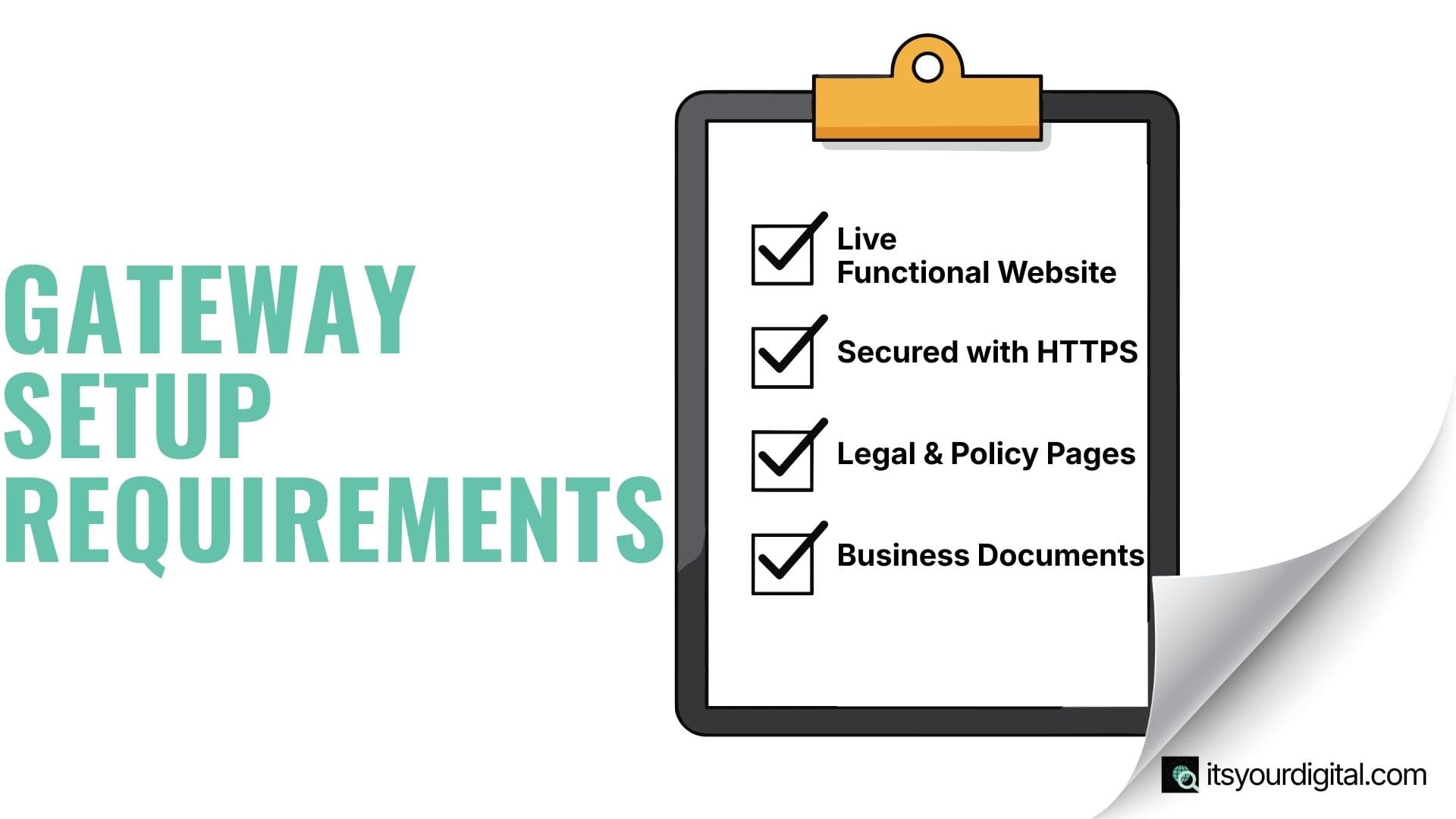
Before integrating a gateway solution into your WordPress website, it’s important to ensure that a few essential requirements are in place. Missing any of these is one of the most common reasons for payment gateway application rejection.
1. Website Readiness
Your WordPress website should be:
- Live and fully functional (not under construction)
- Secured with HTTPS (SSL certificate enabled)
- Clearly explaining your products or services, including pricing where applicable
- Displaying visible contact details such as email address, phone number, or business address
A transparent and professional website helps payment providers assess the legitimacy of your business.
2. Legal & Policy Pages
Most gateway solutions mandate the presence of the following pages:
- Privacy Policy
- Terms & Conditions
- Refund / Cancellation Policy
- Contact or About Page
These pages not only fulfill compliance requirements but also build trust for both users and payment gateway providers.
3. Business Documents
Depending on whether you are an individual, freelancer, or registered business, gateway solutions may require:
- PAN Card
- Bank account details (linked to the business or individual)
- Business registration documents such as GST, MSME, or equivalent (if applicable)
Some gateway solutions support individual or freelancer accounts, but identity and bank verification is mandatory in all cases.
Step-by-Step: Adding a Payment Gateway Without a Plugin
If you prefer not to use heavy plugins or WooCommerce, you can still accept online payments on your WordPress website using lightweight, non-plugin methods. This approach is ideal for simple payment requirements where a full checkout system is not needed.
Common Non-Plugin Approaches:
- Embed payment buttons provided by the gateway solution
- Use hosted payment forms for quick transactions
- Redirect-based checkout, where users are sent to a secure gateway page
Process Overview:
- Generate payment links or embed codes from your gateway solution dashboard
- Add buttons or forms using WordPress blocks, HTML sections, or page builders like Elementor
- Configure success and failure redirect URLs (thank-you page and payment failed page)
- Test the entire transaction flow to ensure smooth payments and accurate confirmations
This method works best for simple payment use cases, such as service fees, consultations, or one-time charges, and is not recommended for complex ecommerce stores with carts, inventory, or advanced order management.
Common Mistakes Beginners Make

When adding a gateway solution to a WordPress website, beginners often overlook small but critical details. Avoiding these common mistakes can save you from payment failures, gateway rejection, and loss of customer trust.
Mistakes to Avoid:
- Installing multiple payment plugins that conflict with each other
- Skipping mandatory policy pages like Privacy Policy and Refund Policy
- Not testing payments using test or sandbox mode before going live
- Using unsecured websites (HTTP instead of HTTPS)
- Choosing the wrong payment method for your business type (ecommerce vs services)
- Ignoring checkout user experience (UX), leading to abandoned payments
Even minor misconfigurations can result in:
- Failed or stuck transactions
- Payment gateway application rejection
- Reduced customer confidence and trust
Taking time to set things up correctly from the beginning ensures smooth transactions, better conversions, and long-term reliability. Need help setting up your payment gateway the right way?
If you want a secure, approval-ready payment setup without plugin conflicts or failed transactions, our WordPress experts can handle everything end-to-end.
When Should You Hire a Professional for Setup?
While basic payment solution setups can be handled independently, there are situations where professional help becomes essential. If online payments are a critical part of your business, even small errors can directly impact revenue and customer trust.
You Should Consider Expert Help If:
- Payments are critical to your revenue flow and downtime isn’t an option
- You need a custom checkout flow tailored to your business model
- You’re facing plugin conflicts or repeated technical errors
- Your payment gateway approval keeps getting rejected
- You want optimized conversions, security, and compliance
Benefits of Professional Payment Gateway Setup:
- Faster gateway approval with correct documentation and configuration
- Secure and compliant integration, reducing fraud and errors
- Smooth, high-converting customer experience across devices
A professionally configured payment system not only prevents issues but also helps your business scale confidently without payment interruptions.
Get Your Payment Gateway Set Up by Experts
Avoid rejections, technical errors, and checkout issues. Let professionals configure your WordPress payment gateway securely and correctly from day one.
FAQs
Yes, WordPress allows payment integration without WooCommerce using payment links, embedded buttons, or form-based checkouts. This approach works best for service websites, freelancers, and simple one-time payment requirements.
GST is not always mandatory for payment gateway registration. Many freelancers and individuals can apply without GST. However, registered businesses often need GST. Learn more in our guide on GST registration for businesses.
The best payment gateway depends on your business type, payment methods needed, and target audience. Most popular gateways offer WordPress plugins or integration options that work smoothly when configured correctly.
Yes, accepting payments on WordPress is safe when your website uses SSL, trusted payment gateways, and secure configurations. Payment gateways handle sensitive card data, reducing security risks for your website.
Payment gateway approval typically takes between one and seven working days. Delays usually happen due to missing documents, incomplete policy pages, or website compliance issues.
Common issues include plugin conflicts, incorrect API keys, missing legal pages, unsecured websites, and untested checkout flows. Proper setup and testing help avoid failed transactions and approval rejections.